Turn Your Listing Photos Into an Instagram Carousel
Your listing photos can do more than fill an MLS gallery. With a few thoughtful crops and a clear sequence, those same images can become an Instagram carousel that gives people a fresh look at the home.
If you usually upload your photos in their original horizontal format, try creating a 4:5 vertical carousel for your next listing.
No additional photo shoot needed—just another way to use the images you’ve already invested in.
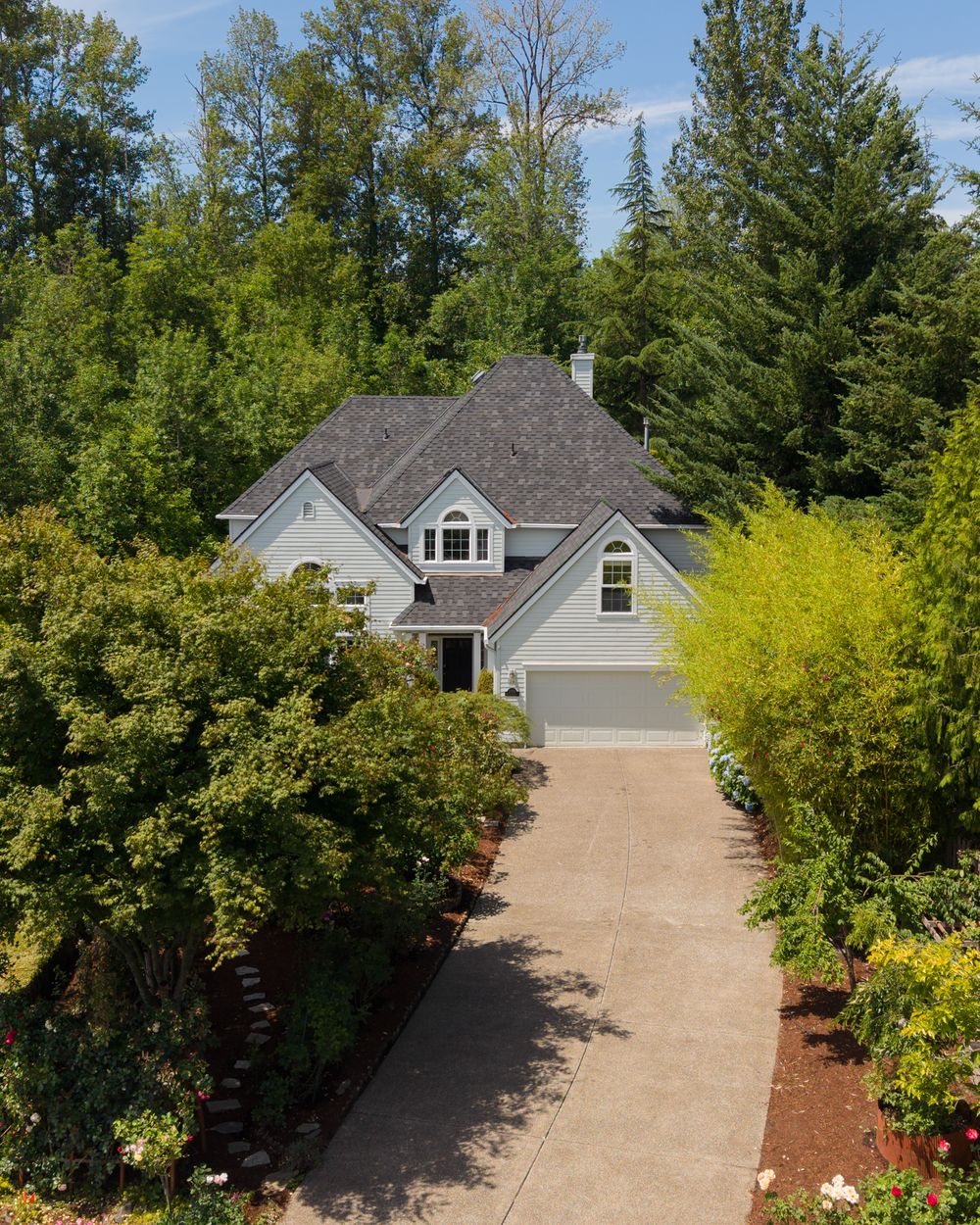
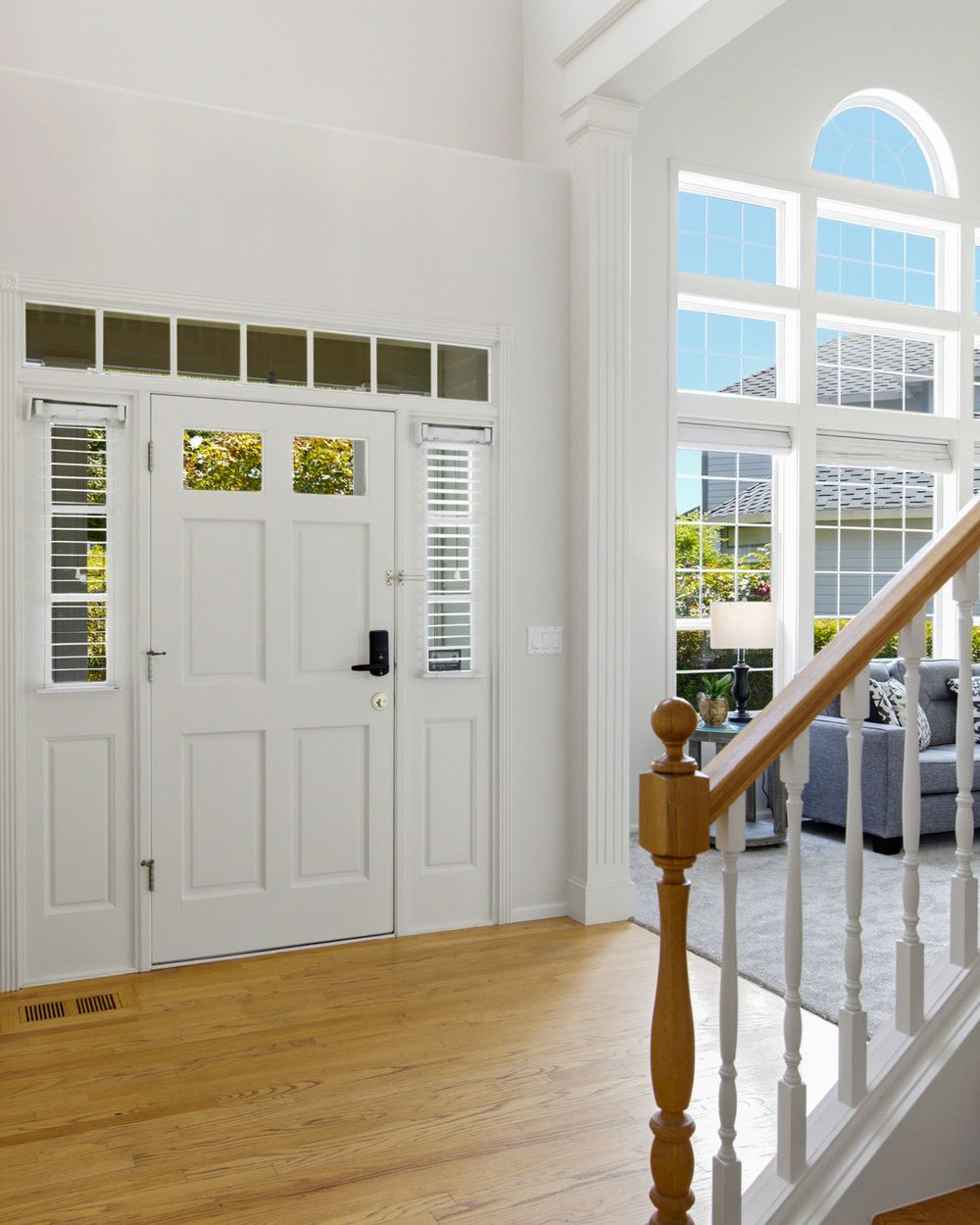
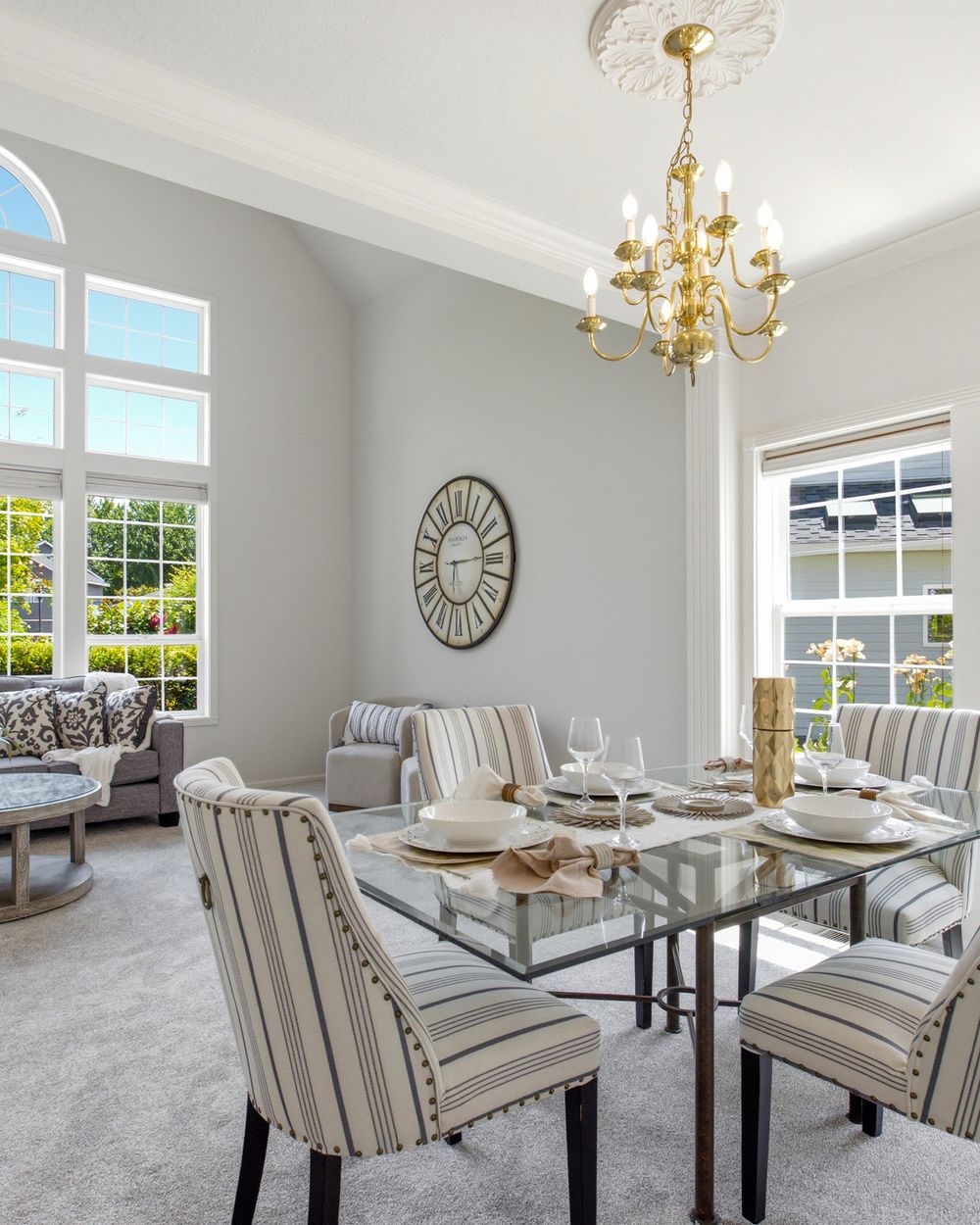
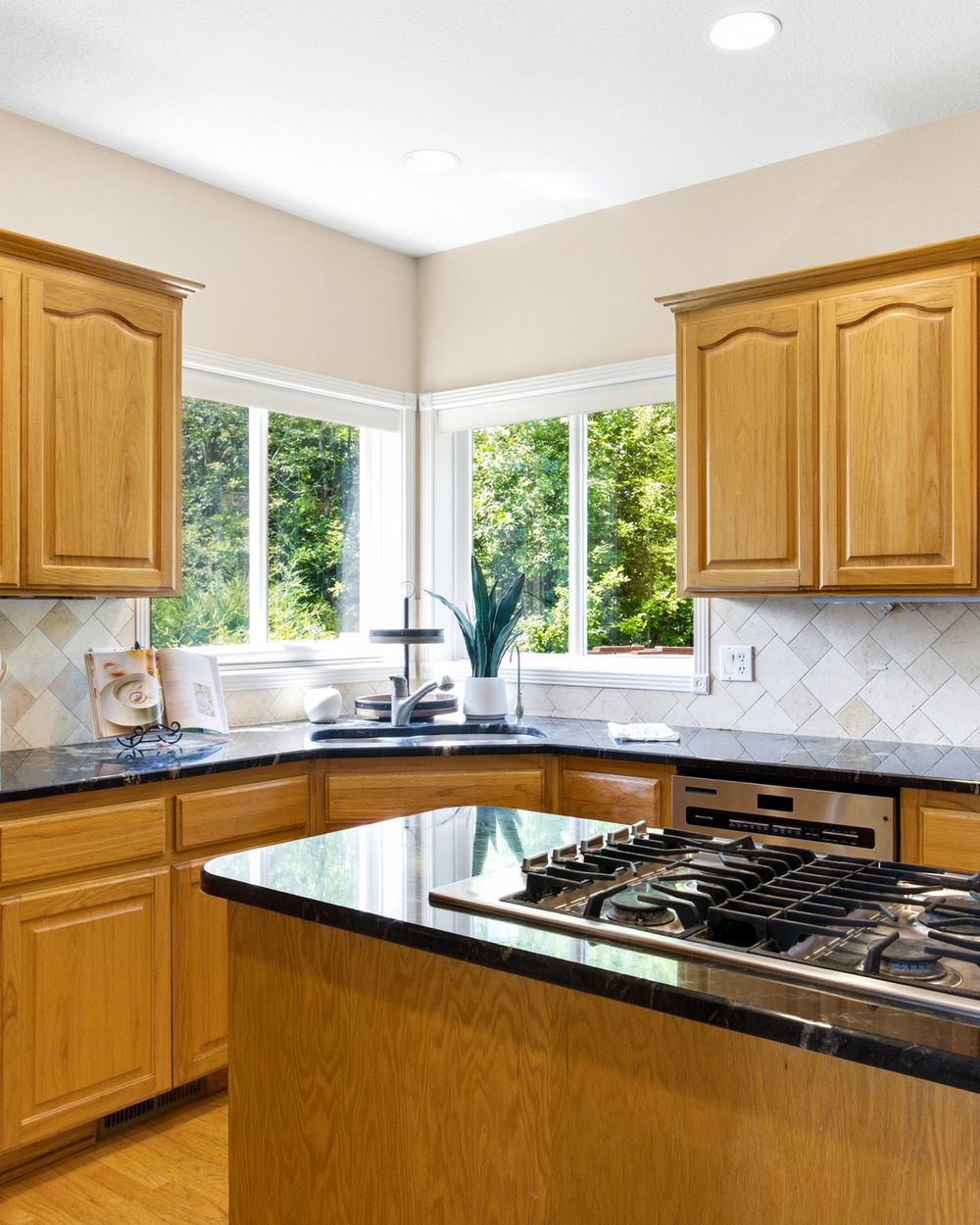
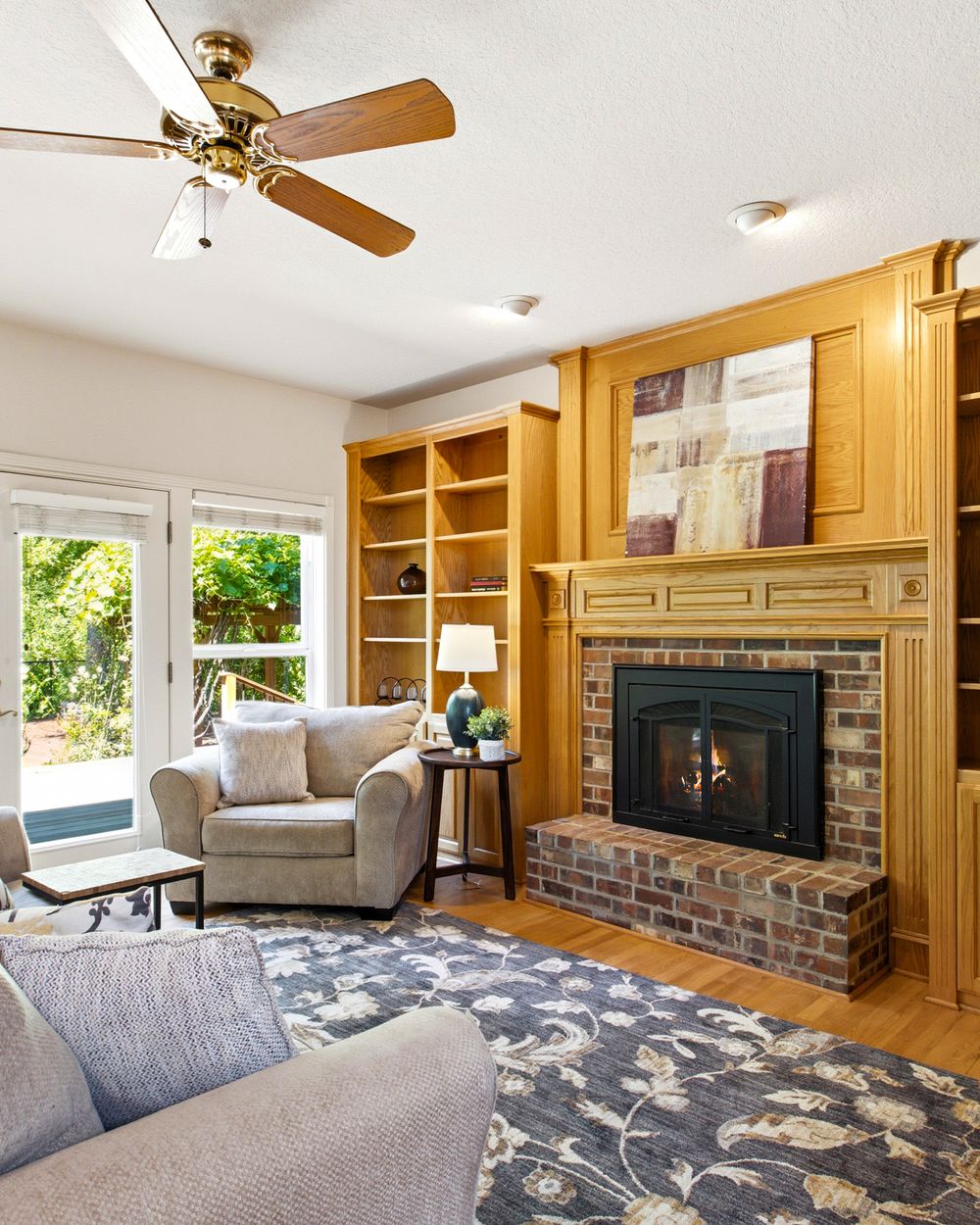
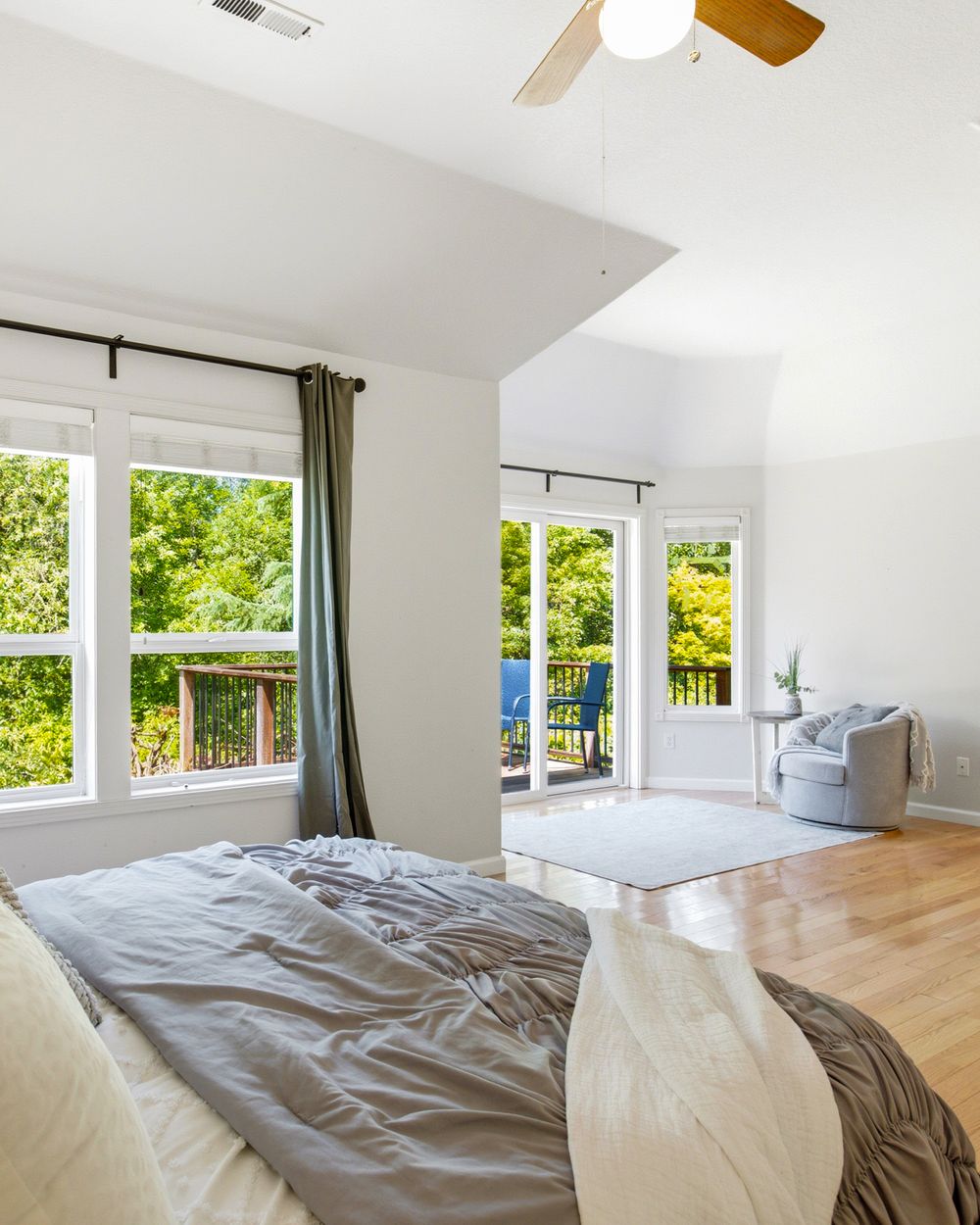
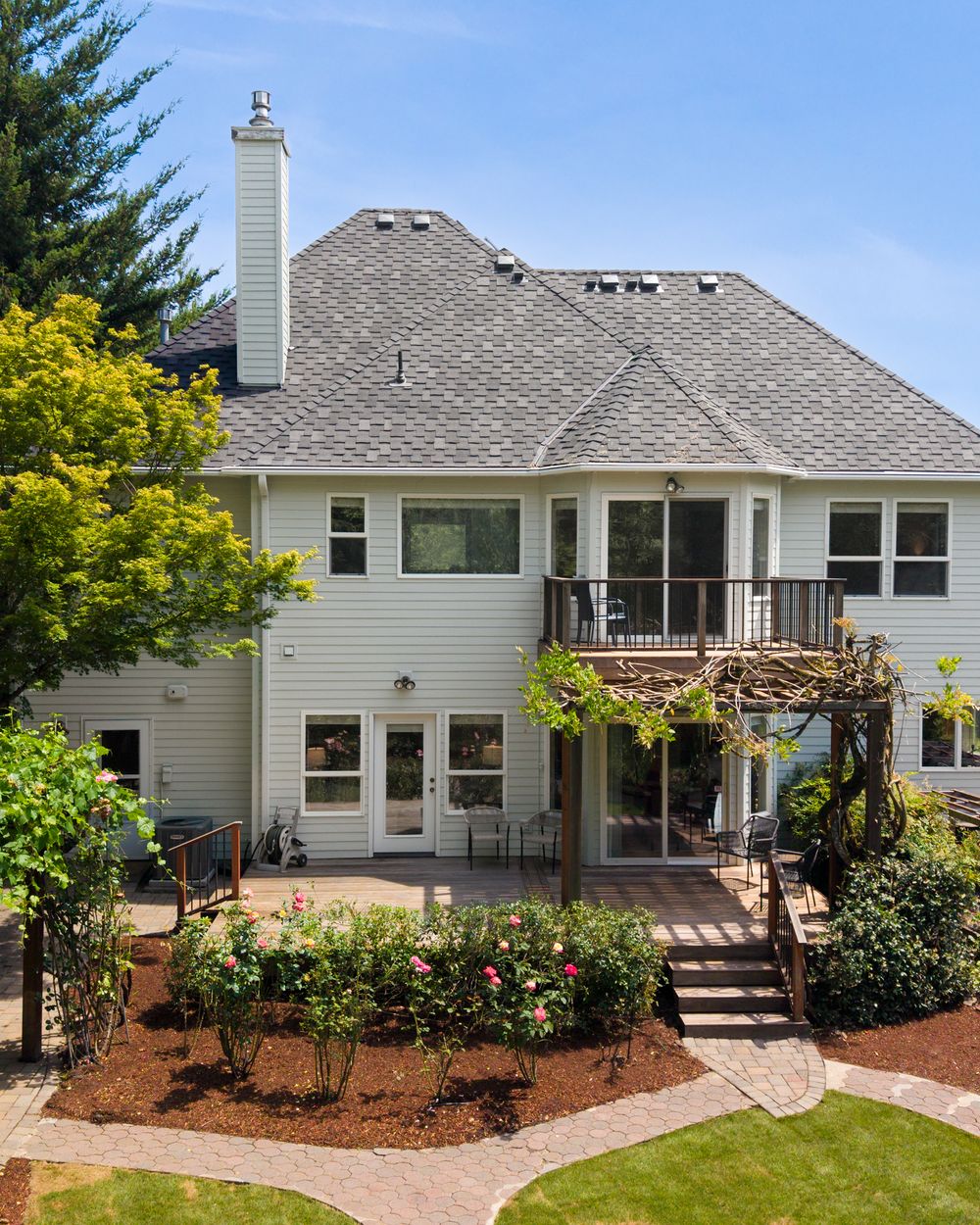
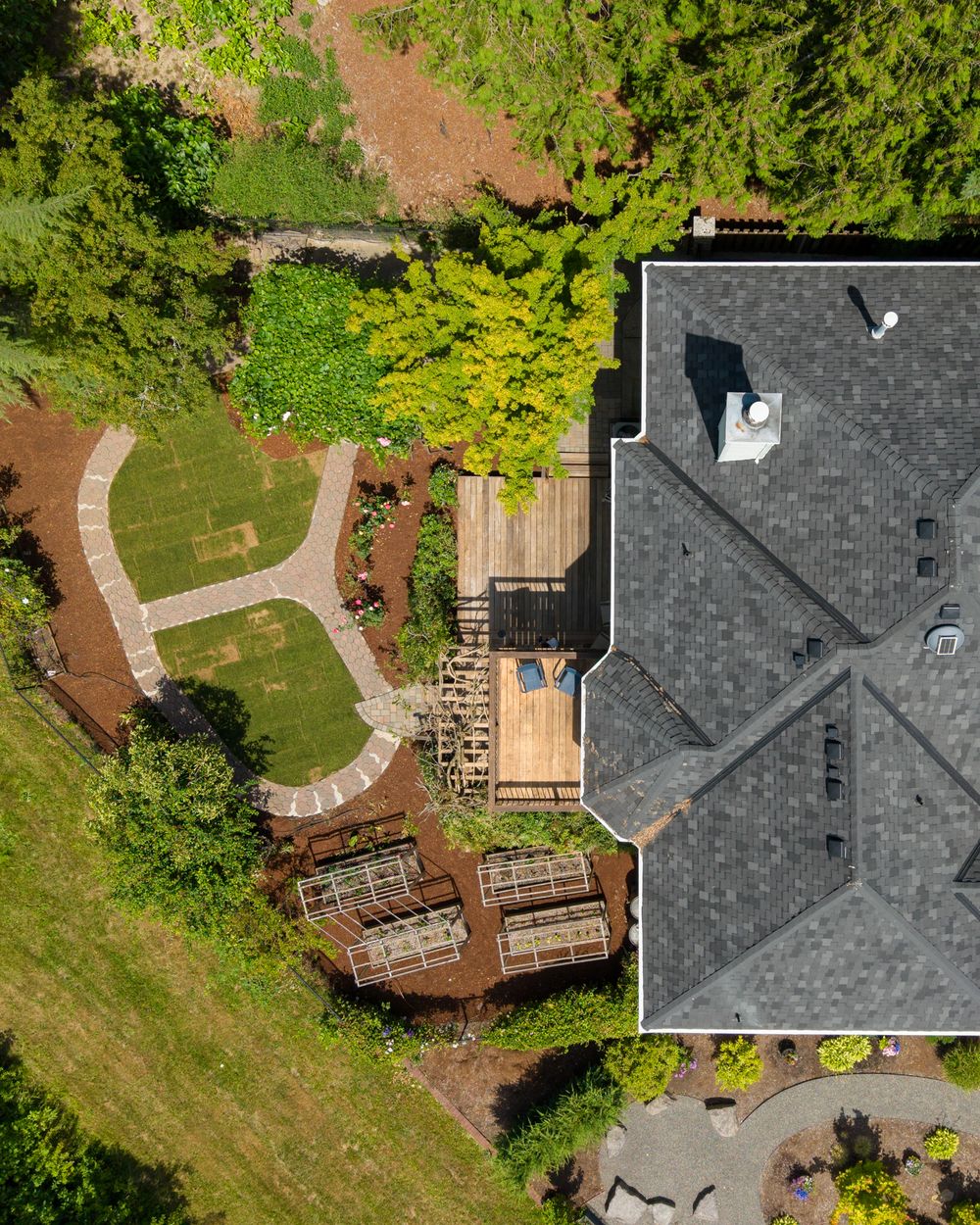
Why use a vertical carousel?
A 4:5 image takes up more vertical space in the feed than a horizontal photo displayed at the same width. It gives you room to highlight the home’s details and create a cohesive, editorial presentation.
A carousel also lets you introduce the property one image at a time. Instead of showing everything at once, you can guide viewers from the exterior into the main living spaces, then finish with a memorable feature.
Choose photos that work with the crop
Not every horizontal photo needs to become a vertical one. Start with images that retain their strongest features when cropped.
Look for:
- A welcoming entry or exterior
- A kitchen island with pendant lighting
- A fireplace or a seating area
- A bedroom with a clear focal point
- Architectural details, finishes, or outdoor spaces
Keep enough context to understand the room. If a vertical crop cuts off important features or makes the space feel cramped, choose a different photo. You can also place the full horizontal image within a vertical layout.
Give the carousel a natural flow
Treat the carousel like a short introduction to the home. A simple sequence could be:
- Lead with your strongest image. Choose the photo that makes someone want a closer look.
- Establish the setting. Show the exterior or entry.
- Move into the main living space. Help viewers understand the home’s atmosphere.
- Highlight the kitchen or primary suite. Focus on the spaces that make this listing distinctive.
- Finish with a memorable detail. A patio, view, or architectural feature can leave a lasting impression.
You don’t need to include the entire gallery. Select a few strong images that work well together.
Keep the presentation consistent
Use the same 4:5 canvas size throughout the carousel. Keep text minimal, give each photo room to breathe, and preview the finished post on your phone.
Before posting, check that important details remain visible and that any text is easy to read. Include the property information and credit the listing agent in your caption.
One shoot, more ways to market
Repurposing your listing photos helps you get more use from your marketing investment. The same gallery can support your listing launch, a feature-focused post, and a later portfolio highlight.
Featured property: 19180 NW Northshore Ct, Portland, OR 97229
Listing agent: Peiwen Zhu
Photography: Keam Productions
Planning your next listing?
Contact Keam Productions for Portland real estate photography and listing media you can use across your marketing.